

How to Fix EADDRINUSE Error in Node.js (Port 9000 Already in Use)
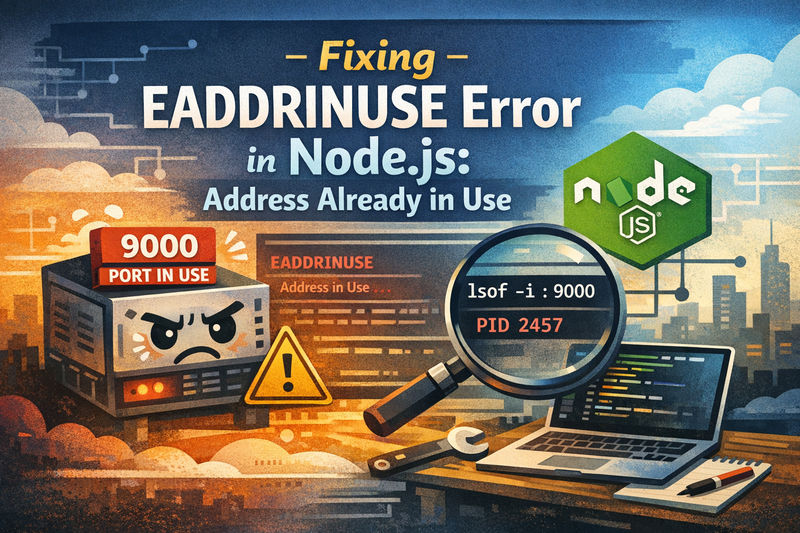
If you’ve ever started a Node.js or Express app and been greeted by this message:
Take a breath.
This is one of the most common Node.js errors, especially during development. It doesn’t mean your code is broken. It simply means port 9000 is already being used by another process.
In this guide, you’ll learn:
- What
EADDRINUSEactually means - Why it happens so often in Node.js projects
- Multiple safe ways to fix it (development & production)
- Best practices to prevent it from happening again
Let’s walk through it step by step.
What Does EADDRINUSE Mean in Node.js?
EADDRINUSE stands for Error: Address In Use.
When your application runs code like this:
Node.js asks the operating system for permission to listen on port 9000. If another process is already listening on that port, the OS refuses — and Node throws the EADDRINUSE error.
Only one process can listen on a port at a time.
Common Causes of the EADDRINUSE Error
This error usually happens for very normal reasons:
- Your app is already running in another terminal
- A previous Node process didn’t shut down correctly
- You’re using
nodemon,pm2, or a file watcher - Another project is using the same port
- A hosting environment (Docker, cPanel, cloud VM) has the port reserved
In short: the port is busy, not broken.
Solution 1: Find What’s Using Port 9000 (Linux & macOS)
First, identify the process holding the port:
You’ll see output similar to:
The key value here is the PID (24531).
Stop that process:
Once it stops, port 9000 becomes available again.
Solution 2: Stop Existing Node Processes (PM2 or Nodemon)
If you’re using PM2 process manager:
If you’re using nodemon file watcher:
- Check for another open terminal
- Stop the running process with
CTRL + C
Then restart your app normally.
Solution 3: Use Environment Variables for the Port (Best Practice)
Hard‑coding ports is fine for demos, but not ideal for real projects.
A better approach:
Now you can run your app on a different port when needed:
This is essential for:
- Production deployments
- Docker containers
- Cloud platforms (Heroku, Railway, Render)
- Shared hosting environments
Your app becomes flexible and deployment‑friendly.
Solution 4: Fixing EADDRINUSE on cPanel or Shared Hosting
On managed hosting platforms:
- Ports may already be assigned internally
- Restart the app via Node.js App Manager
- Use the port provided by the hosting environment
- Let the reverse proxy handle public traffic
Never assume a port is free on shared infrastructure.
How to Prevent EADDRINUSE in the Future
A few good habits go a long way:
- Always stop Node processes before restarting
- Avoid hard‑coding ports
- Use environment variables consistently
- Monitor running processes during development
- Use process managers like PM2 correctly
These small practices save hours over time.
Is EADDRINUSE a Serious Error?
No.
It’s not a bug in your logic or your framework. It’s simply Node.js protecting system resources.
Once you understand how ports work, this error becomes easy to diagnose and quick to fix.
So next time when Node.js tells you:
Address already in use
It’s not rejecting your work — it’s asking you to choose a clear path.
Free the port, choose another one, or let the environment decide.
Your application will run.